How do I use my own web address instead of flub.to?
In Your club, under Settings, open Web address. Point a subdomain you already own — like club.yourbusiness.com — at your club by adding two DNS records at your registrar. Your flub.to address keeps working throughout.
Last checked 6 October 2026
Every club already has a free flub.to address. Add a subdomain you own on top of it — like club.yourbusiness.com — and members see that instead, with your flub.to address kept working alongside it.
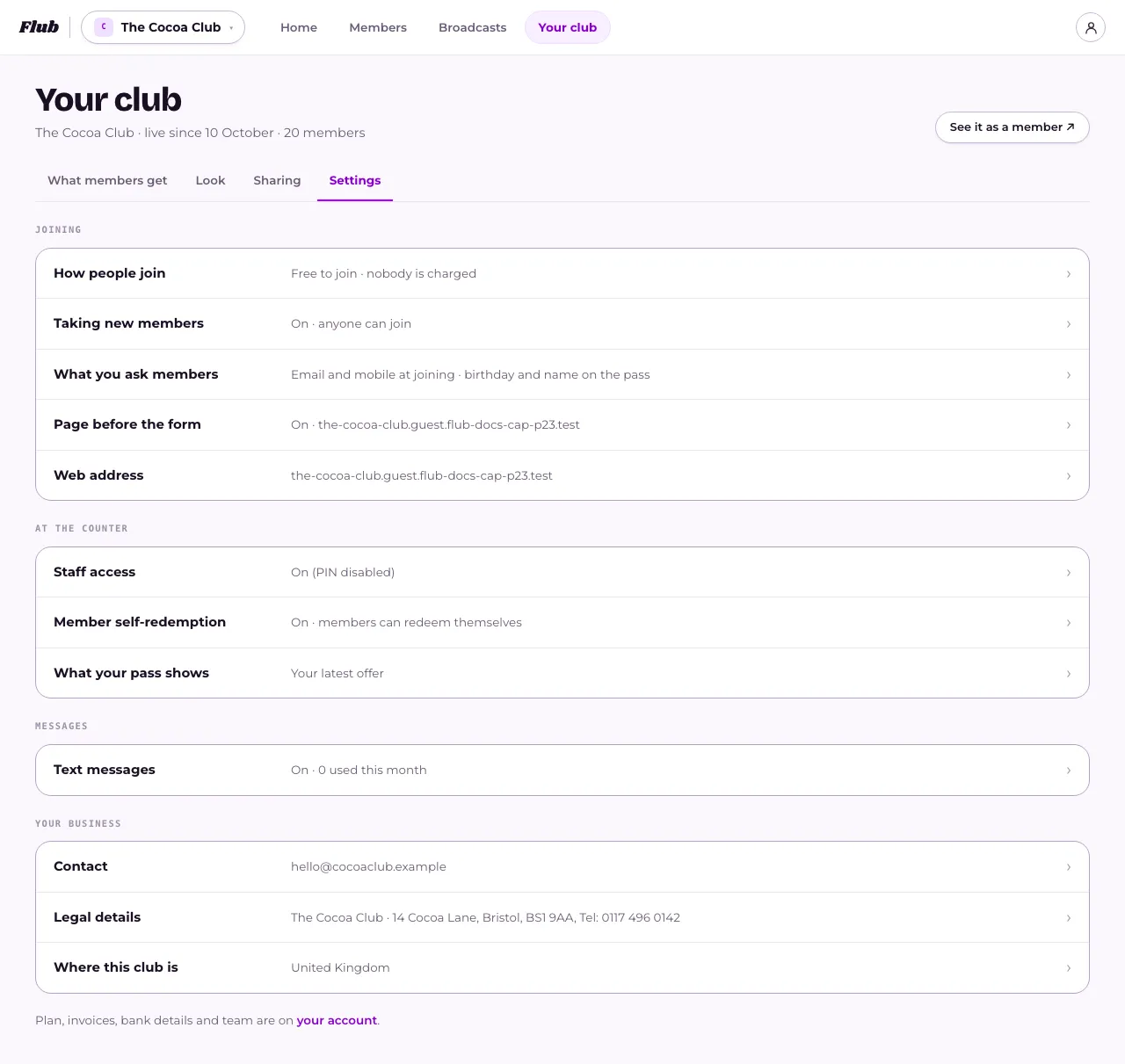
- Open Your club, then Settings → Web address.
- Under Use a domain you own, type a subdomain of a domain you already own and press Continue.
- Add the two DNS records it gives you at your registrar, in order: the certificate record first, under 1 · Prove you control this domain, then the routing record under 2 · Point the address at Flub.
- Wait a few minutes — Flub checks automatically every so often, or press Check now.
What happens next
Section titled “What happens next”Nothing changes until your new address verifies. Your flub.to address keeps working throughout, and both work once your own is live.
Adding the certificate record before the routing one matters: doing it the other way round means visitors see a browser security warning instead of your join page.
Once your ownership and certificate records check out, the page shows just the record that’s left: the routing record under 2 · Point the address at Flub, with Address: Waiting beside the other two checks. Add it, and your address goes live within a few minutes.
If a record is there but its value doesn’t match, the page says what it can see under that record. Copy the value with Copy value rather than typing it, since one wrong character is enough to stop it verifying. If you’ve just corrected it, allow up to an hour for the change to show.
If the records aren’t found in time, the address is released. Press Try again to start over. You’ll get new values, and the page says so, so replace the old records at your registrar with the new ones rather than keeping the ones you added before.
Keep the certificate record (_acme-challenge) in place after your address goes live. Your certificate renews itself every few months using it. About a week before each renewal we check it’s still there, and if it isn’t, we email the club’s owner with the record to add back. If a renewal does fail, we email again: your address keeps working for a few days, and it’s released if the records aren’t fixed in time.
If you remove your own address later, your join link and QR code fall straight back to flub.to — but anything already printed with your own address on it, like table cards or posters, stops working and needs reprinting.
You can also tidy up your flub.to address itself, under Your flub.to address on the same screen. Old printed links keep working: we send them on to your new address, and hold the old one for you for 90 days. After that another club could take it, so reprint before then.
Related
Section titled “Related”© Flub 2026 | What's new | useflub.com
Flub is a trading name of FLUB INDUSTRIES LTD, a company registered in England and Wales (no. 17491066). Registered office: The Workstation, 15 Paternoster Row, Sheffield, S1 2BX, United Kingdom.