How do I sign up for Flub?
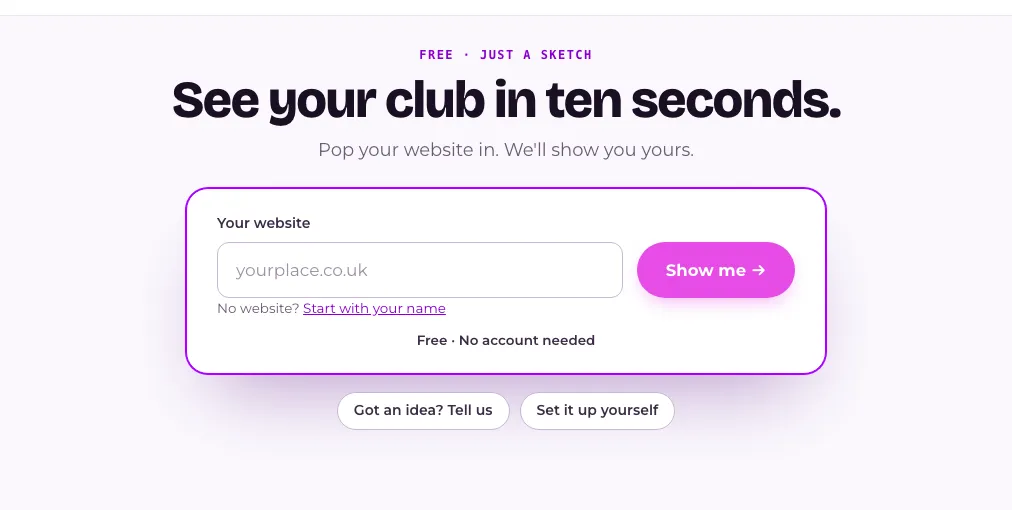
Go to app.useflub.com/try, tap the kind of place yours is and press the button to see a sample club in about ten seconds. No website or account needed. Add your website to make it look like yours. Keeping the sample club creates your account, or use Set it up yourself for a blank club with no AI.
Last checked 20 October 2026
You sign up at app.useflub.com/try. Tap the kind of place yours is and press one button: we sketch a sample club in about ten seconds. No website or account needed.
See a sample club
Section titled “See a sample club”- Open app.useflub.com/try.
- Under What kind of place is yours?, tap yours: Café, Coffee shop, Bakery, Pub, Microbar, Bar, Restaurant, Takeaway, Retail shop or Something else (then type a word or two).
- Optional: type your website under Make it look like yours. We’ll borrow your name, logo and colours. No website? Press Just tell us what it’s called and type your venue’s name instead.
- Press Show me my café club →. It names your kind of place.
Without a website, you get a sample club called Your Café Club (or Your Pub Club, and so on), with perks that suit your kind of place. To make it look like yours later, type your site under Your website in Make it look like yours, above the sign, and press Use it. No website? Press Just tell us what it’s called, type your venue’s name and press Use it: the sign becomes your club straight away, and you can still add a website afterwards for your logo and colours. The sign takes your name, logo, colours and fonts, and the club keeps its perks. If you see “We couldn’t read that site, try another address.”, try another one.
Other ways in
Section titled “Other ways in”app.useflub.com/try/idea is Got an idea? Tell us: the same, with a Your idea box. app.useflub.com/try/diy is Set it up yourself: no sketch, and no AI unless you ask for it.
Set it up yourself
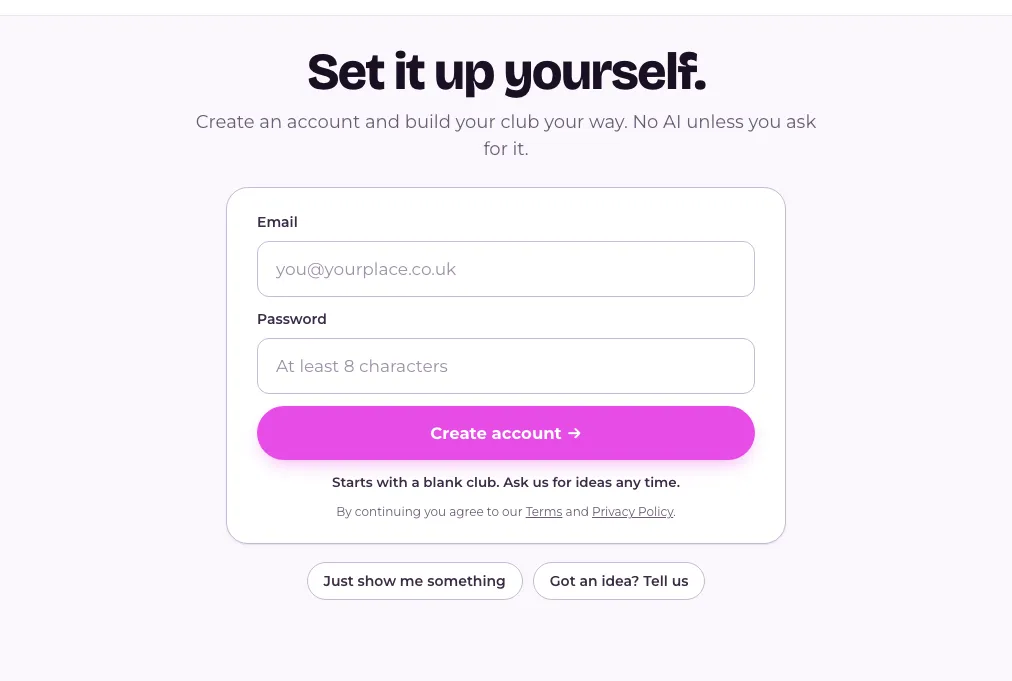
Section titled “Set it up yourself”- Open app.useflub.com/try/diy.
- Press Continue with Google if you see it. Or type your Email and a Password and press Create account →.
- If you used email, look for “Your Flub verification code”. Type the six digits on the Check your email. screen and press Continue. Google skips this step.
- You’ll land in Your club, in a blank club with nothing switched on yet. Add your offers yourself, or ask us for ideas.
Keeping a sample club
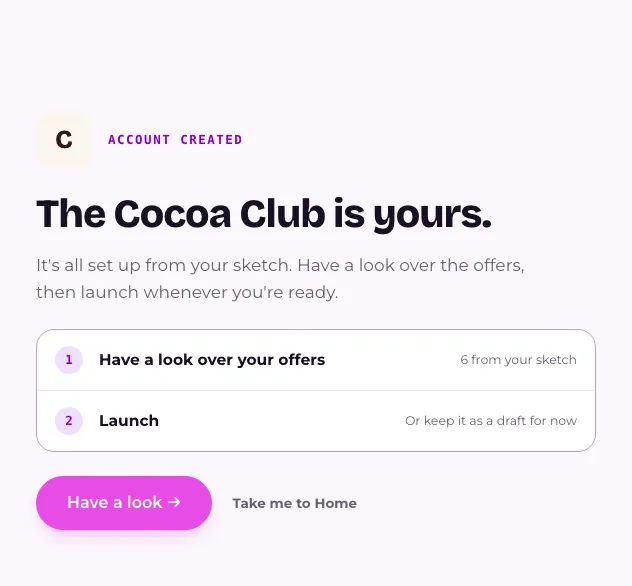
Section titled “Keeping a sample club”Like your sketch? Change it in Tweak your club, then press Show me what happens next, Show me the next bit and Keep and customise this club. On a phone, press Try it as a guest, then Done. Press Let’s get stuck in and create your account as above. The next screen says your club is yours.
Not ready? Press Save it for later (on a phone, Email it to me) and we’ll email a link back.
If your sample club was still called Your Café Club, your new club starts without a name. You choose it under Look.
What happens next
Section titled “What happens next”Your club starts as a draft, so nobody can join until you launch it. See How do I launch my club? See also What happens when Flub builds my club?
If you see “That email already has an account.”, press Log in instead. Pressing Continue with Google on the log-in page doesn’t make a new account. Joining someone else’s team? Use the link in their invitation.
Related
Section titled “Related”© Flub 2026 | What's new | useflub.com
Flub is a trading name of FLUB INDUSTRIES LTD, a company registered in England and Wales (no. 17491066). Registered office: The Workstation, 15 Paternoster Row, Sheffield, S1 2BX, United Kingdom.