What happens if I change my club's name, logo or colours after members have joined?
Open Your club, then Look, and change anything. Saving repaints every member's wallet pass within a few minutes. Your join page's words and your fonts aren't on anyone's pass, so they change on your club's pages as soon as you save instead.
Last checked 10 October 2026
Nothing stops you changing your name, logo, icon, colours or picture once members have joined. It’s the same Look page you always use, and saving reaches everyone’s pass within a few minutes.
How it works
Section titled “How it works”Open Your club → Look. Change anything, and a bar appears at the bottom of the page counting your unsaved changes. Members still see the saved version until you press Save in that bar. The foot of the page tells you how many passes the save will update, for example “Saving updates 120 passes within a few minutes.”
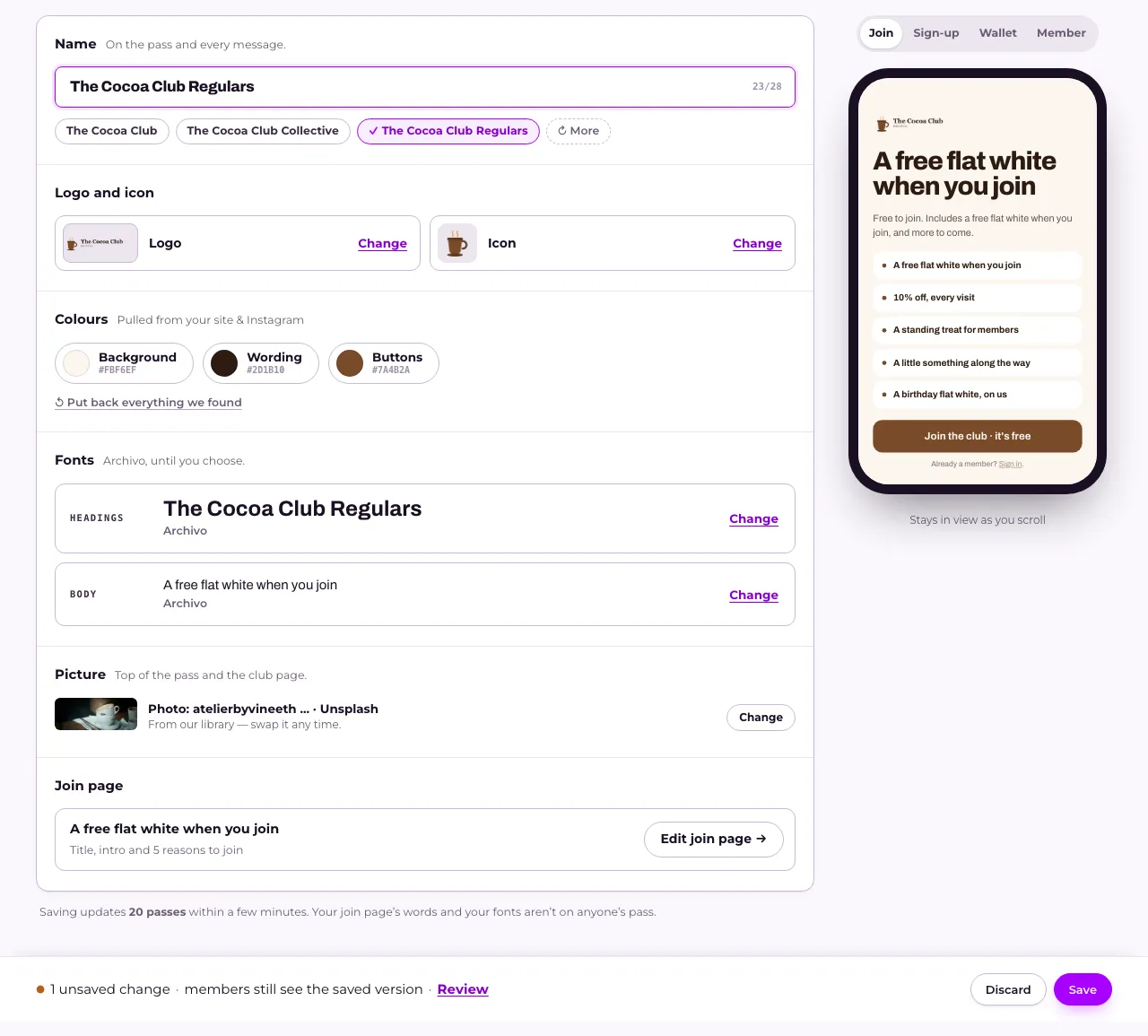
Your club’s name, logo, icon, colours and picture are all printed onto every member’s pass, so saving repaints every pass already on a phone within a few minutes. Nothing you’ve already sent changes.
Your join page’s words and your fonts are different. They aren’t on anyone’s pass, so once you save they change for the next person who opens your club’s pages, and no pass is updated for them.
What you can change
Section titled “What you can change”Everything on Look: see How do I give my club its name, logo and colours? for what each part does, and How do I choose the fonts on my club pages? for fonts. The title, intro and reasons to join on the page before your join form are under Join page on the same page. See How do I change the page people see before they join?
Related
Section titled “Related”© Flub 2026 | What's new | useflub.com
Flub is a trading name of FLUB INDUSTRIES LTD, a company registered in England and Wales (no. 17491066). Registered office: The Workstation, 15 Paternoster Row, Sheffield, S1 2BX, United Kingdom.